
Most password advice assumes one person. Real households have two adults who both pay bills, both help children with school logins, and both may need to reach a medical portal or bank account when the other is unavailable. A system that works for one person often creates new problems for two.
The goal is a setup that lets either adult handle an emergency without turning every login into a shared secret or a single point of failure.
Start with the shared reality
Before choosing software, decide three things together:
Which accounts both of you truly need to reach (banking, primary email, school, medical, shopping)
Which accounts should stay individual (personal email, work, private social)
How you will handle emergency access if one person is unreachable
Write the answers down. They become the rules for the password manager.
Choose a manager both of you will actually use
The best manager is the one both adults will open. Look for:
Easy sharing of individual vault items or folders
Emergency or legacy access features
Reliable apps on the phones and computers the household already uses
A clear way to store backup codes and recovery information
Many households succeed with the built-in options from Apple or Google if both people are already in that ecosystem. Others prefer a dedicated manager with stronger sharing controls. The technical differences matter less than consistent use.
Set up the shared structure
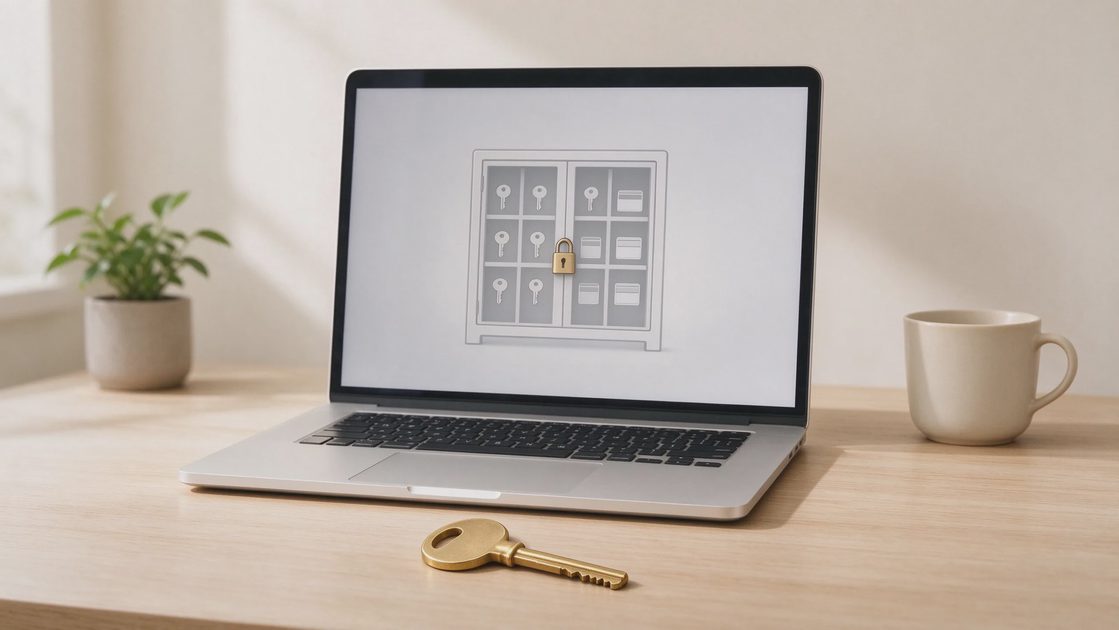
Create three zones inside the manager:
1. Shared household folder
Store logins both adults need: primary banking, main shopping accounts, school portals, utility logins, and the carrier account. Give both people full access to this folder.
2. Individual vaults
Each adult keeps personal email, work accounts, and private services in their own vault. Do not share these by default.
3. Emergency note
Create one secure note that lists:
The location of printed backup codes
The recovery phone numbers and emails for the most important accounts
The carrier account PIN
Any offline emergency sheet location
Both adults should be able to open this note.
Why three zones reduce daily friction
The shared folder makes the accounts that affect both people available without repeated requests. Individual vaults preserve privacy and reduce the surface area of any single compromise. The emergency note concentrates the recovery information that is needed only under stress, keeping it out of ordinary browsing yet still reachable by both adults.
Populating the shared folder with the five critical accounts
Begin with the same five accounts identified in the household account map: primary email, secondary or family email if relevant, primary banking, carrier, and the device ecosystem account. Once those are shared and tested, add school, medical, and utility logins in a second short session. Completing the highest-value items first delivers protection even if the full migration takes multiple sittings.
Keeping the emergency note short and current
The emergency note is not a second password list. It points to locations and records PINs and recovery contacts. Updating it whenever a recovery phone or backup-code location changes keeps it trustworthy. A note that grows into a dense archive becomes harder to use under stress; brevity is a design requirement.
Practical sharing rules that reduce friction
Share the item, not the master password. Most modern managers let you share a single login without giving away the whole vault.
When a shared password must change, change it inside the manager and confirm the other person sees the update.
For accounts that send one-time codes by text, decide whose phone receives them and note it in the shared folder.
Review the shared folder every few months. Remove services no longer used.
Handling the master passwords and emergency access
Each adult should have their own master password or passkey for the manager. Do not share master passwords.
Enable the emergency or legacy access feature if the manager offers it. This usually lets a designated person request access after a waiting period. Set the waiting period long enough to prevent accidental or pressured access, yet short enough to be useful in a real emergency.
Print the recovery kits the manager provides and store them with the household emergency sheet.
A short setup sequence for a Saturday afternoon
Install the manager on both phones and one shared computer.
Create the three zones described above.
Move the five critical accounts from the earlier map into the shared folder.
Store backup codes for those accounts in the emergency note.
Test that both adults can open a shared item and that emergency access is configured.
Write the master-password recovery process on the paper emergency sheet.
The entire process usually takes less than two hours when both people are present.
Why a shared afternoon produces better results
Completing the setup together ensures that both adults understand the structure, have practiced opening a shared item, and have agreed on the emergency rules. Solo setup by the more technical partner often leaves the other adult unsure how to use the system when help is needed most.
Testing as the final required step
Until both adults have successfully opened a shared login and confirmed that the emergency request process is understood, the setup is incomplete. The test converts a theoretical configuration into a practiced household capability.
Capturing the recovery process on paper
The master-password recovery steps for the manager itself belong on the emergency sheet so that a lockout of the manager does not become an unsolvable problem. Writing those steps while the setup is fresh prevents later reconstruction from incomplete memory.

Common household sticking points
One person is more comfortable with technology than the other. Let the more comfortable person handle the initial setup, then sit together while the second person opens and uses the shared folder. Confidence comes from doing it once successfully.
Someone worries that sharing banking logins reduces privacy. Shared access to the accounts that already affect both people is different from sharing every personal login. Keep the individual vaults truly individual.
Bridging the comfort gap without creating dependency
The more comfortable adult can lead the installation and the creation of folders. The less comfortable adult must still complete the actions of opening a shared item, changing a test password, and locating the emergency note. Hands-on success builds the confidence that keeps the system in use.
Addressing privacy concerns directly
Shared access to the bank account that already pays the mortgage and the school portal that already shows both parents’ names is a practical necessity, not a privacy violation. Individual email, work accounts, and private social remain private. Naming the boundary explicitly usually resolves the discomfort.
Reviewing and pruning as ongoing maintenance
Every few months, open the shared folder together and remove services that are no longer used. An accumulating list of old logins increases noise and the chance of outdated credentials. Short, regular pruning keeps the shared space useful.
What this does not mean
A password manager is not a requirement for every household. Some families still succeed with carefully written emergency sheets and strong unique passwords stored offline. The manager simply makes daily use and recovery easier for most two-adult households.
The next safe step
Open the password manager you already have (or the built-in one on your phones) and create one shared folder. Move the primary email and primary bank login into it so both adults can reach them. That single shared folder is the foundation.
Take the next safe step.