
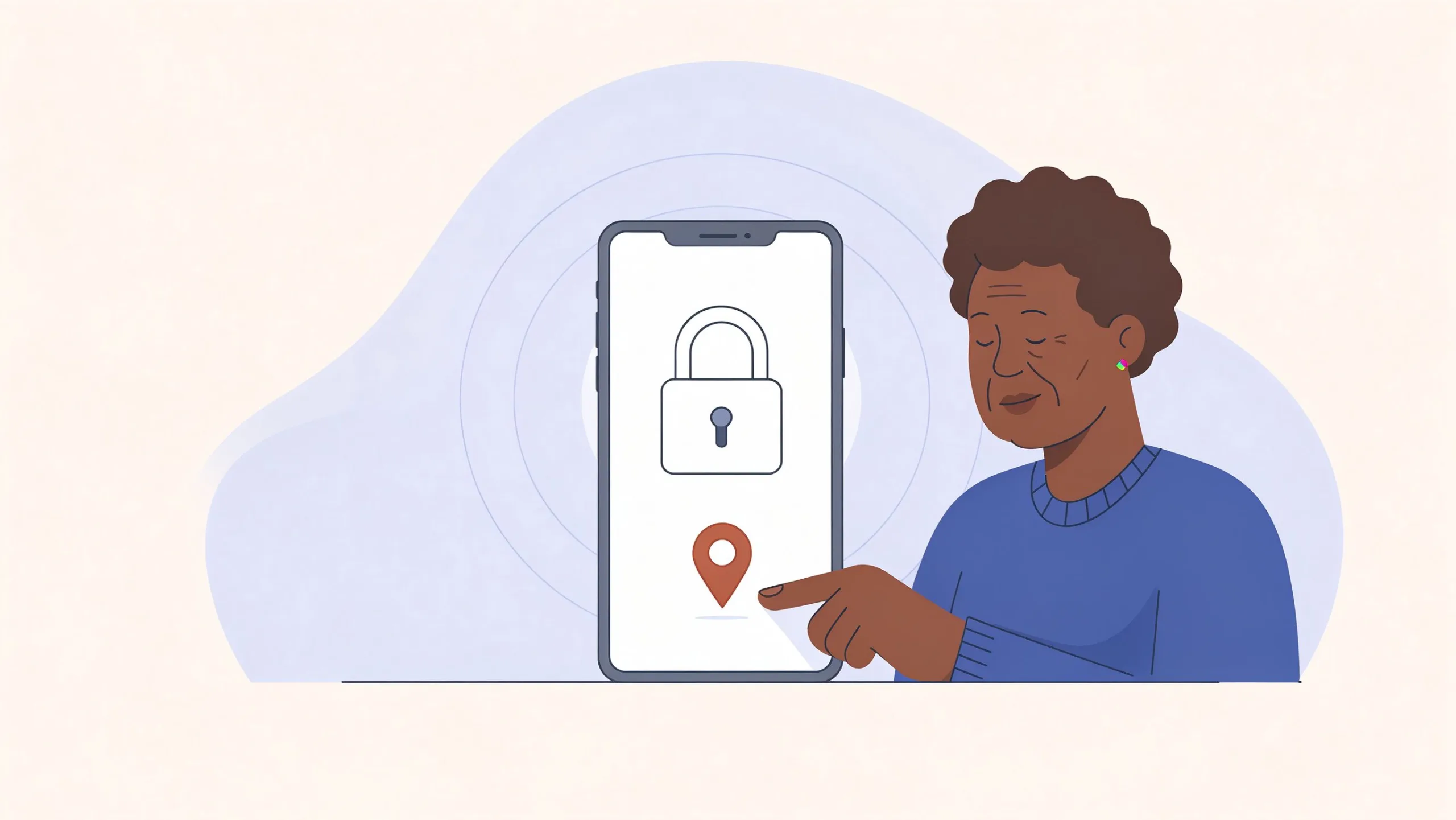
A parent calls because the phone is behaving strangely, a medical portal will not accept the password, or a caller claimed to be from the bank. You are two states away. The usual advice—“just come over and fix it”—is not available. What you need is a pre-agreed plan that works over the phone or a simple video call.
Build the plan before the next crisis
On a calm day, cover these four pieces with the parent:
1. Verified contact methods
Confirm you both have current phone numbers, an email address that is actually checked, and a backup way to reach each other if the main phone is the problem.
2. The household emergency sheet
Make sure a current copy exists at the parent’s home and that you have a digital or paper copy. It should list the primary email, carrier PIN, bank support numbers, and location of backup codes.
3. Remote-viewing agreement
Decide in advance whether the parent is comfortable with a short screen-sharing session (through a built-in tool or a simple trusted app) when something is stuck. Practice once while nothing is wrong so the tool is familiar.
4. Decision rights
Clarify which changes you are allowed to make remotely (password resets, marking a phone as lost) and which require the parent’s explicit real-time consent.
Verified contact methods as the foundation
When the parent’s primary phone is the problem, an alternate number, a checked email address, or a neighbor who can be reached becomes essential. Confirming these paths on a calm day prevents the cascading isolation that occurs when the only known contact method is the device that is malfunctioning.
The emergency sheet as the shared operational picture
A current sheet at the parent’s home and a matching copy with the adult child mean both people can reference the same official numbers and recovery locations during a call. Without it, each person is reconstructing information under stress and the conversation becomes slower and more error-prone.
Practicing remote viewing before it is required
Screen sharing that is attempted for the first time during a crisis often fails because of unfamiliarity, permission prompts, or anxiety. A short practice session on a calm day confirms that the tool works, that the parent can grant access, and that both people understand how to end the session. Familiarity converts a potential source of frustration into a usable channel.

The remote response sequence
When the call comes:
Stabilize the immediate risk. If it is a suspicious call, use the hang-up-and-verify script. If it is a lockout, determine whether the device or the account is the problem.
Open the emergency sheet together. Have the parent retrieve the paper copy while you look at yours.
Use official numbers only. Dictate the bank or carrier number from the sheet rather than letting either of you search under stress.
Keep sessions short. Forty-five minutes of remote help is often the practical limit before fatigue sets in. Schedule a follow-up if more is needed.
Document what changed. Update the emergency sheet if any recovery information was altered.
Stabilizing before diagnosing
A parent who is still on a suspicious call or who is rapidly trying multiple passwords needs the immediate risk contained first. The hang-up-and-verify script or a pause to stop further password attempts creates the calm required for accurate diagnosis. Jumping straight to complex troubleshooting while the risk is still active usually prolongs the problem.
Shared reference to the emergency sheet
Asking the parent to retrieve their copy while you open yours establishes a common set of numbers and locations. Dictating from the sheet rather than searching reduces the chance of landing on a phishing site or an outdated number. The sheet becomes the single source of truth for the call.
Respecting the fatigue limit
Remote help is cognitively demanding for both parties. Forty-five minutes is a practical upper bound for most older adults and for the adult child who is also managing their own responsibilities. Ending the session before exhaustion and scheduling a clear follow-up produces better results than pushing through diminishing returns.
Tools that usually work well at a distance
Built-in screen sharing on the phones the parent already has
Speakerphone so both of you can hear support representatives
A shared password-manager emergency access feature if one is already set up
Photos of error messages texted to you so you can see the exact wording
Avoid installing new remote-access software in the middle of a crisis. Familiar tools fail less often.
Built-in screen sharing as the preferred channel
Tools already present on the parent’s phone require no new downloads or accounts during a stressful moment. Practicing with the built-in option on a calm day makes it available when needed. Third-party remote-access software introduced in the middle of a crisis frequently creates additional permission and trust problems.
Speakerphone for three-way clarity
When a bank or carrier representative is on the line, speakerphone allows both the parent and the adult child to hear the questions and the answers. The adult child can supply details the parent cannot immediately recall without requiring the representative to mediate every exchange. Clarity increases and repetition decreases.
Photos of error messages as low-friction diagnostics
A quick photo of an error screen or an unexpected message, texted to the adult child, often reveals the exact problem faster than a verbal description. The parent does not need to interpret the message; they only need to capture and send it. This simple channel solves many remote diagnosis delays.
Managing the emotional side of distance
Parents may feel embarrassed that they need help or frustrated that you cannot simply take the device. Acknowledge the distance without apology:
“I wish I could be there to do this with you in person. We’ll go step by step and I’ll stay on the line the whole time.”
After the technical problem is resolved, leave a few minutes for ordinary conversation. The relationship is the reason the tech help matters.
Naming the distance without turning it into a deficit
Acknowledging that in-person help would be preferable, while immediately pivoting to the workable remote sequence, validates the parent’s feeling without reinforcing helplessness. The statement is honest and then practical.
Closing with ordinary connection
Once the technical issue is resolved, a few minutes of non-technical conversation help the parent return to a normal emotional state and reinforce that the relationship is larger than the problem just solved. Ending abruptly after the last technical step can leave residual anxiety unaddressed.
Protecting the adult child’s capacity
Remote help from a distance is emotionally and cognitively taxing. Setting a clear time boundary and scheduling follow-ups rather than attempting to solve everything in one extended call preserves the adult child’s ability to continue providing help over months and years.
What this does not mean
A remote plan does not replace in-person visits or the need for local help when problems are complex. It simply makes the ordinary and intermediate problems solvable without travel.
Remote help has a natural scope
Password resets, verification calls, marking a phone as lost, and guiding a parent through official recovery forms are well suited to remote assistance. Hardware failures, complex account recoveries that require identity documents in person, or situations involving cognitive decline may still require local presence or professional help. The plan covers the solvable majority, not every possible case.
Local resources remain part of the design
Neighbors, local family, or professional services near the parent are complements to remote help, not admissions of failure. Knowing when to escalate to local assistance is part of a mature remote plan.
The plan is preparation, not a guarantee
Even a well-built remote plan cannot eliminate every difficulty of distance. It reduces the frequency of unsolvable moments and shortens the duration of ordinary problems. That reduction is the practical success condition.
The next safe step
On your next call with a parent who lives far away, ask them to retrieve their bank card and read the customer-service number to you. Save it in your contacts and confirm they have it saved too. That single verified number is the start of the remote plan.
Take the next safe step.