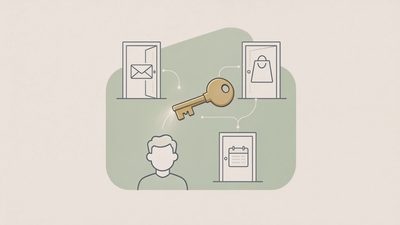

Start with the email account you use to reset your other passwords. Check its recovery options and remove any address or phone number you no longer recognize or control. That small review is identity access management in practice: making sure the right people can reach the right accounts, and that everyone else is kept out.
You do not need business software to do this at home. A short account list, separate logins where available, and a plan for recovery can make it easier to help a parent or spouse without passing passwords around. If you suspect someone is already in an account, focus on securing it first; the incident steps below explain where to begin.
What identity access management means at home
Identity is how a service recognizes an account holder. Access is what that person can see or do after signing in. Management is the ongoing work of setting those permissions, checking them, and changing them when circumstances change.
Think of a healthcare portal. A parent may have their own login, while an adult child has authorized proxy access through a separate account. The child may be able to see certain information or help with appointments, depending on the portal and the permission granted. That is different from the child signing in as the parent and having every action appear to come from them.
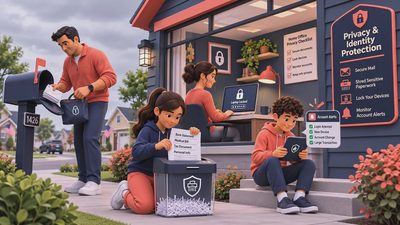
The same distinction applies to a shared household calendar, a bank account, or a child's school account. Sharing a device does not require everyone to share an identity. Separate profiles and logins can protect privacy and make it clearer who can change a setting or approve a purchase.
Make a small account map
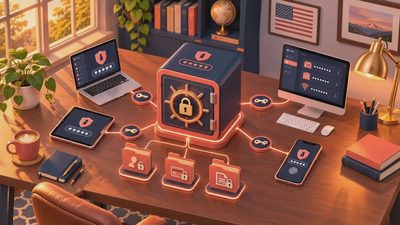
For household identity access management, begin with the accounts that would cause the most disruption if you lost access: primary email, mobile carrier, bank, healthcare portal, and the account used to manage each person's phone. Add school or caregiving accounts if your family relies on them.

For each one, note who owns it, who is authorized to help, and where recovery instructions can be found. Record whether the account uses a passkey, password, or another sign-in method, but do not put passwords or recovery codes on a shared list. A password manager can store sensitive credentials; paper recovery codes need a secure location that a trusted person can find when necessary.
Your map can be a sheet in a locked drawer or a protected digital document. Write down the bank's official phone number and the location of important documents, not full account numbers. Revisit the list when someone changes a phone number, moves, or takes on a new caregiving role.
For an older parent, try: “Could we check how you would get back into your email if your phone stopped working? You can enter the password yourself.” That keeps the person involved and avoids turning a helpful conversation into a demand for access.
Give each person only the access they need
Good identity access management does not mean locking family members out of everything. It means choosing the least access needed for a particular job, then checking that it still makes sense.
For example, if someone helps pay a parent's bills, ask the bank what authorized-access arrangements it offers and what each one permits. A joint account, power of attorney, and other arrangements can have different legal and financial consequences. Do not assume that knowing a password gives someone authority to act. Ask the institution, and consult a qualified professional when appropriate.
For a medical portal, look for an official proxy or caregiver-access option. For a child's school account, ask the school how parent access works rather than signing in as the student. On a shared computer, separate user profiles can also keep browser sessions and files from blending together, although they are not a substitute for securing the accounts themselves.
When someone no longer needs access, remove the permission through the service. If a password was shared, change it too; removing one permission does not necessarily invalidate a credential someone already knows.
Protect sign-in and recovery
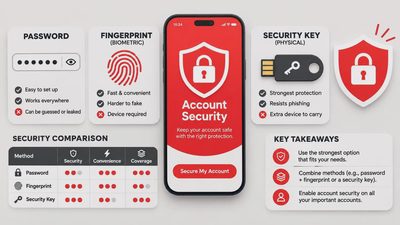
Use a unique password for each important account, stored in a reputable password manager if that works for your household. Where a service supports passkeys, consider using one: passkeys can make sign-in resistant to phishing, though you should understand how your chosen device or password manager backs them up and how to recover them.
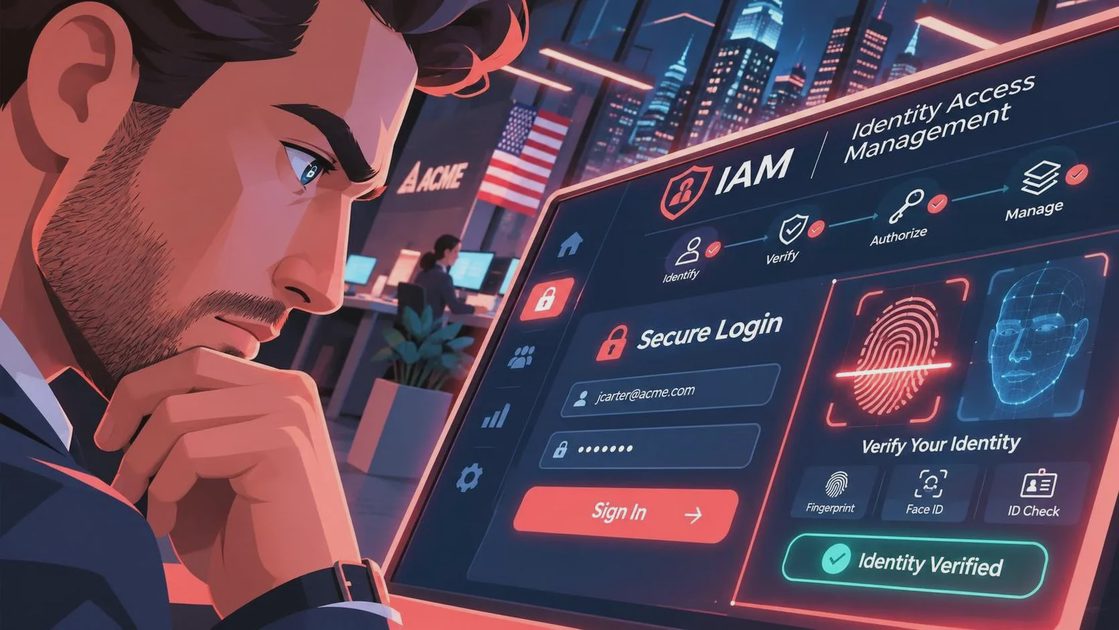
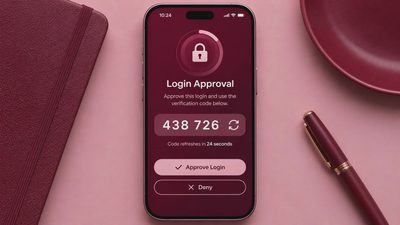
Turn on multifactor authentication for important accounts. It asks for an additional proof of identity beyond a password, such as an authenticator app prompt, a security key, or a texted code. An authenticator app or security key is generally preferable to text messages when supported, but text verification is better than relying on a password alone. Never give a one-time code to a caller who contacted you unexpectedly.
Recovery deserves equal attention. An old phone number or an abandoned email address can make a legitimate reset difficult and may create a security risk if someone else controls it. Review recovery methods through the account's official app or website. Keep backup codes somewhere protected and accessible if the primary phone is lost.
One caution: changing recovery details can trigger waiting periods or security checks. If access is already in doubt, follow the provider's recovery instructions rather than making a string of rushed changes.
Respond when access looks wrong
An unfamiliar login alert is a reason to check, not proof that someone has taken over. A new device, travel, or an imprecise location can sometimes explain an alert. Do not use a link in an unexpected message; open the service directly using a saved app or a web address you know.
If you find a change you cannot explain, save the alert and take screenshots of relevant account activity without including passwords or verification codes. Note the time and what changed. Then use the provider's security or recovery process to change the password, review recovery details, and sign out unfamiliar sessions where that option is available. Check for changes such as email forwarding rules or newly added authorized users.
If money or a bank login may be involved, call the bank using the number on your card or its official website. If your phone number suddenly loses service and you suspect an unauthorized transfer, contact your carrier through a verified channel. Tell support: “I noticed an account change I did not authorize. Please help me secure access and tell me what information you need.”
Choose one next safe step
Set aside ten minutes to review the recovery phone number and email on your primary email account. Then choose a time to map one other important account with the person who owns it. Identity access management is not a one-day cleanup; it is a way to make ordinary changes and unexpected problems easier to handle together.
This guide is educational, not individualized legal, financial, medical, or cybersecurity advice.