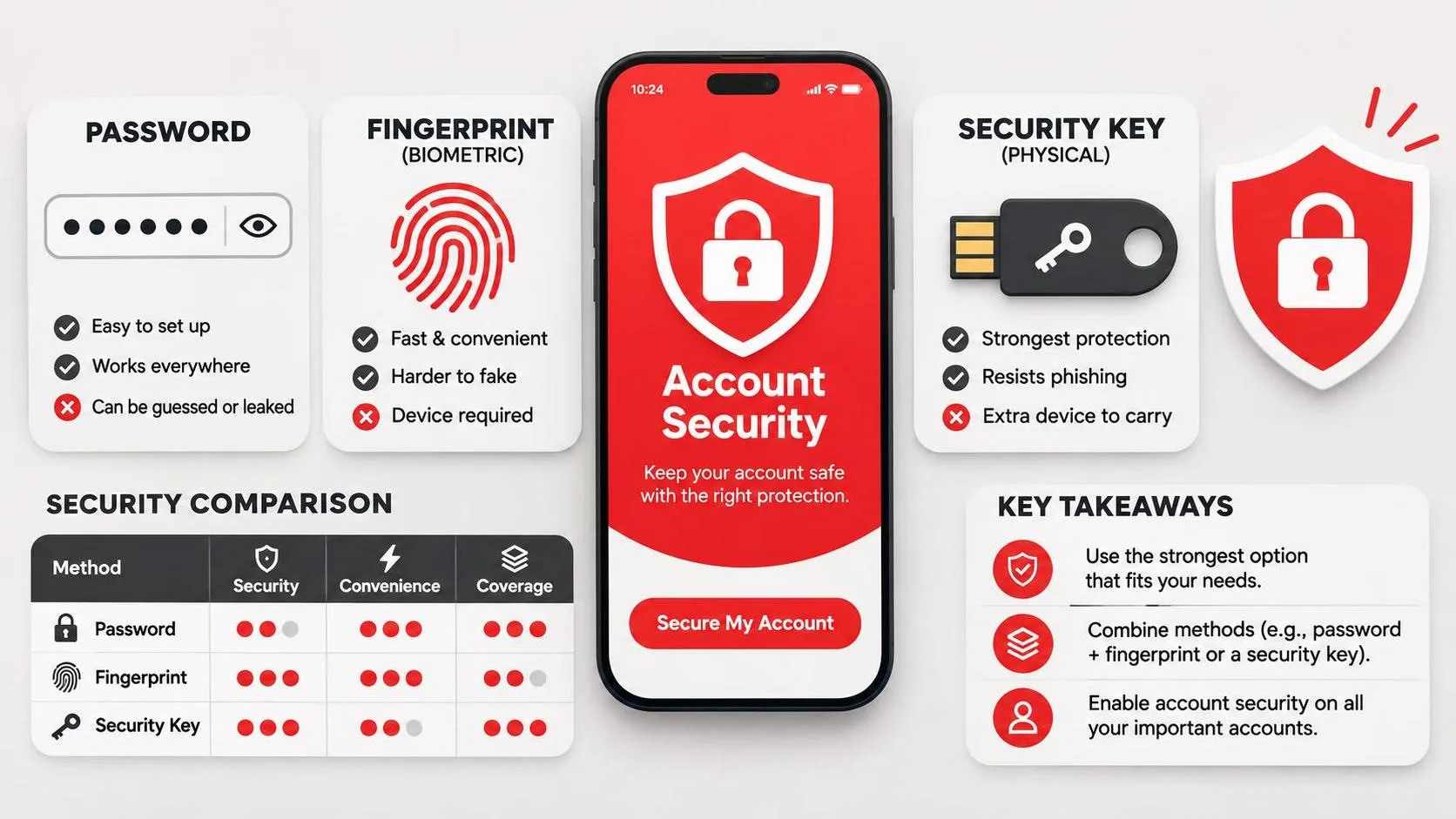
The next safe step is to open the security settings for an important account and see whether it offers a passkey. When weighing passkeys vs passwords, I would choose a passkey where it is available, while keeping a strong password and recovery plan for accounts that still need them. Passkeys make fake sign-in pages much less effective, and you don't have to remember or type a secret for each login.
How passkeys and passwords work
A password is a secret you enter to prove you own an account. If someone learns it through a fake website, a data breach, or password reuse, they may be able to sign in as you. A second factor, such as an authentication app or security key, adds a useful barrier, but some forms of verification can still be tricked out of you.
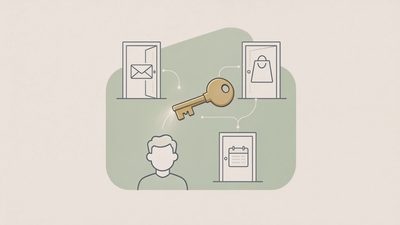
A passkey uses a pair of cryptographic keys instead. The service keeps a public key; your device or passkey provider protects the corresponding private key. When you sign in, you normally unlock your device or password manager with a PIN, fingerprint, or face scan. That local check authorizes the sign-in without sending a reusable password to the website.
The important difference is that a passkey is tied to the legitimate website or app. A convincing look-alike site cannot simply ask you to type it in and carry it away. Your fingerprint or face data generally stays on your device rather than being sent to the service you're signing in to.
Passkeys can be stored in a platform account, such as an Apple or Google account, or in a compatible password manager. Some can also be stored on a physical security key. The details depend on the provider and the account, so check where yours will live before creating it.
Passkeys vs passwords: Which is safer?
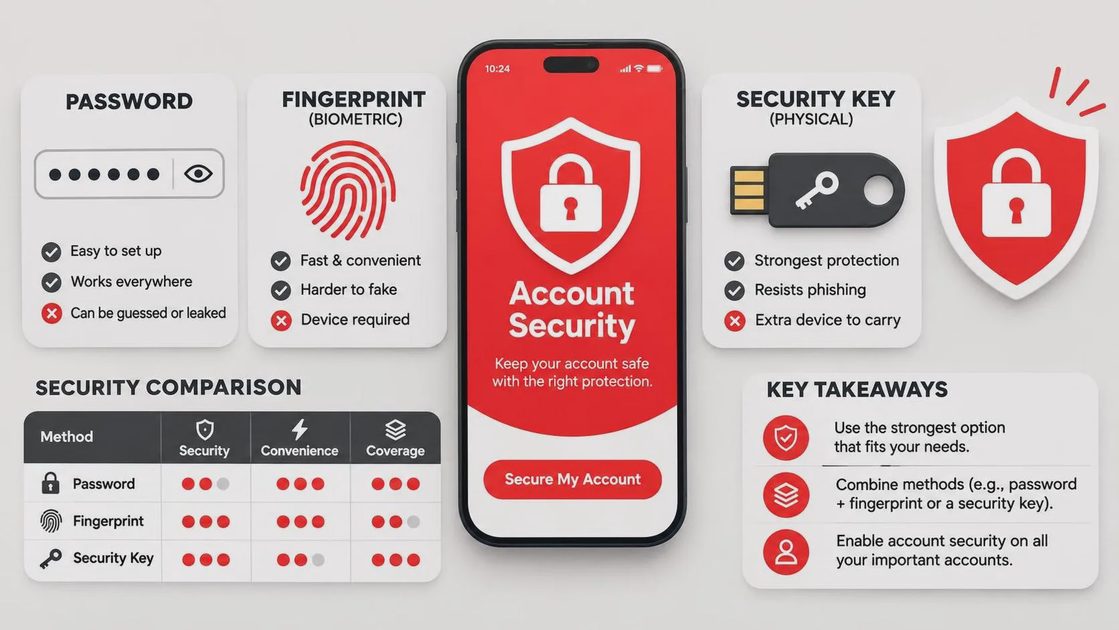
For most people, a passkey is the stronger everyday sign-in choice because it resists phishing and eliminates password reuse for that login. That does not mean the account is impossible to compromise. A thief who can unlock your device, access your passkey provider, or take over a weak account-recovery method may still cause trouble.
Passwords can be reasonably well protected, too. Use a different, long password for each account, save it in a reputable password manager, and turn on multifactor authentication. An authenticator app or a physical security key is generally a better choice than a text message when the service offers it. A texted code is still a useful extra layer when it is the only available option.
The passkeys vs passwords comparison also has a practical wrinkle: adding a passkey does not necessarily remove your password or other sign-in methods. Someone who finds another way into the account may not need the passkey at all. Review the account's remaining sign-in and recovery options after setup, and remove an old method only when you are confident you have another way in.
Set up a passkey without locking yourself out
Start with an account you use regularly and a device you control. Open the service directly through its app or by typing its known address, rather than following a link in a message. Find the security or sign-in settings and look for an option to create a passkey. The service may ask you to sign in again before you proceed.
Follow the prompts to save the passkey, then note whether it is stored with your device ecosystem, a password manager, or a security key. Test it by signing out and signing back in while you still have the device and your existing recovery methods handy. Do not delete your saved password just because the new option appeared to work once.
Some passkeys sync across devices through a provider account; others stay on a particular device or physical key. If you use a shared household computer, make sure you understand whose profile and passkey store you are using. Each person should have their own account and their own way to unlock it.
Plan for a lost phone or a family emergency
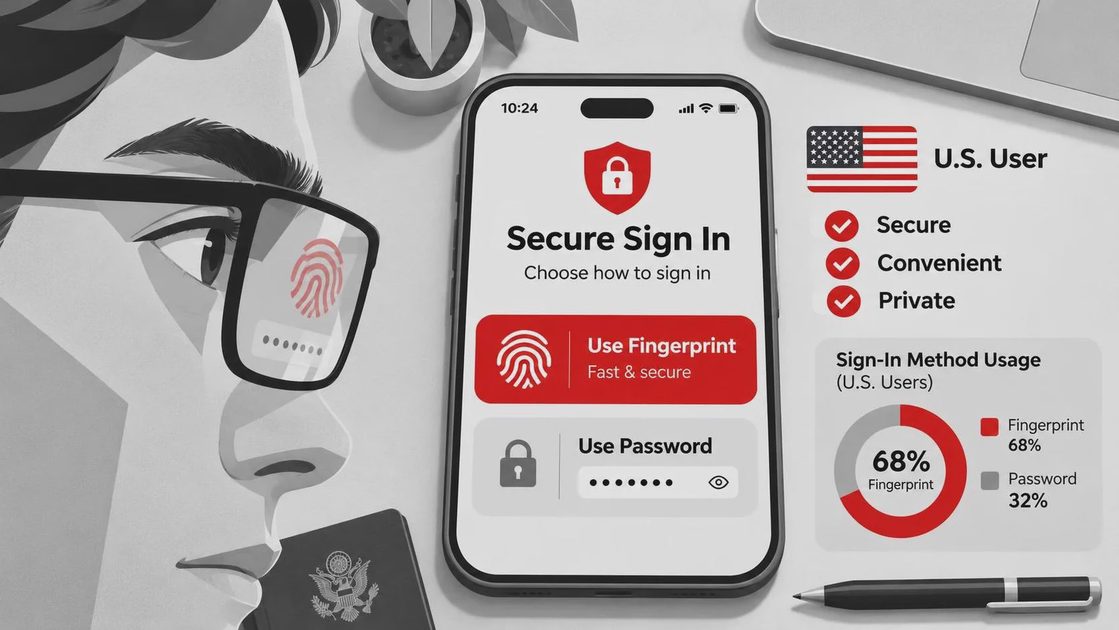
In the passkeys vs passwords decision, recovery matters as much as convenience. Before a phone goes missing, check how to regain access to the account that holds your synced passkeys. Add a recovery method you can actually reach, and keep any recovery codes somewhere secure and separate from the phone. Follow the provider's instructions; recovery options are not the same everywhere.
Where an important service allows it, consider registering a second passkey on another trusted device or a compatible security key. Verify that it works. A backup is only useful if the person who needs it knows where it is and can use it.
If a device is lost, use the provider's device-finding or account-management tools to lock it or remove access where appropriate. Contact the account provider for its recovery process. If you suspect someone has accessed a financial account, call the bank using the number on your card or an official statement. Save suspicious messages and relevant account alerts before deleting anything.
You can make this conversation less intimidating with a simple script: “Let's make sure you can still get into your email if your phone breaks. We can write down the recovery steps together.” The goal is not to collect a parent's PIN or make them dependent on you. It is to make sure they know their options and can reach trusted help.
What to do when passkeys aren't available
Not every website supports them, and some workplaces or schools control which sign-in methods are allowed. For those accounts, use a unique password and enable the strongest practical second factor offered. If a site still relies on security questions, treat the answers as additional secrets and store them safely rather than choosing facts a stranger can easily discover.
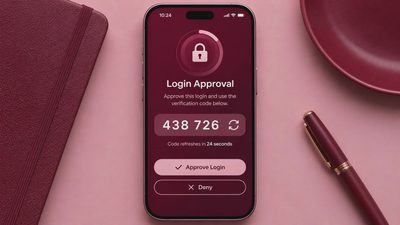
If you receive an unexpected sign-in prompt or verification request, don't approve it. Open the account directly, review recent activity if the service provides it, and change the password if you suspect it was exposed. Contact the service through an official channel if you cannot get in or see activity you don't recognize.
You don't need to settle passkeys vs passwords for every account today. Choose one important account, check its recovery settings, and add a passkey if the option fits. Then take the next safe step with the next account.