The options keep expanding. Passwords, text-message codes, authenticator apps, and now passkeys all promise better security. For a household that includes teenagers, busy adults, and older parents, the best choice is the one everyone can still use six months from now.
This guide focuses on practical fit rather than theoretical rankings.
Passwords still matter, but they need help
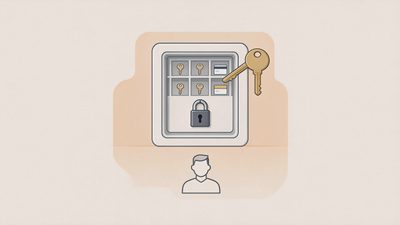
Unique, strong passwords stored in a manager remain the foundation for most accounts. The problems arise when the same password is reused or when recovery depends on a phone number that can be moved. Treat passwords as necessary but incomplete.
Why unique passwords remain the baseline
Even with newer methods available, the majority of household accounts still rely on a password as the first factor. A unique, strong password stored in a manager prevents the most common cascade: one compromised login opening many others. Reused passwords turn a single phishing success into a multi-account problem. The manager removes the need to memorize uniqueness; the uniqueness itself remains essential.
Recovery dependency as the hidden weakness
A strong password paired with SMS recovery on a number that can be ported creates a path around the password. The password is only as strong as the recovery methods attached to it. Reviewing those recovery paths is part of treating passwords as a complete system rather than an isolated secret.
Passwords as incomplete by design
Modern guidance treats the password as one layer, not the entire defense. Two-factor methods, passkeys where available, and known recovery contacts supply the additional layers. Households that stop at “we use strong passwords” leave the most common secondary attack paths unaddressed.
Text-message codes: convenient and fragile
SMS codes are easy for older adults and require no extra app. They are also vulnerable to SIM-swap techniques and phone-number porting. Use them when the alternative is no second factor at all, and upgrade the most important accounts when possible.
Convenience that older adults will actually use
For many older parents, receiving a text code requires no new software, no additional login, and no unfamiliar interface. That convenience often means the difference between having a second factor and having none. Dismissing SMS entirely can leave the highest-risk users with the weakest protection.
The SIM-swap and porting exposure
Because the code travels to a phone number, control of that number becomes control of the second factor. Carrier account PINs and port freezes reduce this risk, but they do not eliminate it. SMS remains a workable backup; it should not be the only second factor on the accounts that control money or primary email.
Authenticator apps: strong and portable
Apps that generate time-based codes work well for adults comfortable with smartphones. They do not rely on the phone number. The main household issues are setup friction and recovery when the phone is lost. Store the backup codes or recovery keys on the emergency sheet.
Independence from the phone number
Authenticator apps generate codes on the device without waiting for a carrier message. A successful SIM swap does not automatically deliver the codes. That independence is the primary security advantage over SMS and is the reason authenticator apps are preferred for high-value accounts when the user can maintain them.
Setup friction as the adoption barrier
Enrolling an account in an authenticator app requires opening the app, scanning a QR code or entering a key, and confirming the first code. For adults already comfortable with their phones the friction is modest. For older parents or for shared household accounts the friction can be high enough that the method is never completed. Matching the method to the user’s comfort level is more important than insisting on the strongest theoretical option.
Recovery planning as a required companion
When the phone that holds the authenticator app is lost, the backup codes or recovery key become the only practical way back into the accounts. Generating those codes at setup time and storing them on the household emergency sheet converts a potential lockout into a solvable recovery. Skipping the backup step turns a strong method into a future single point of failure.
Passkeys: convenient when the ecosystem supports them
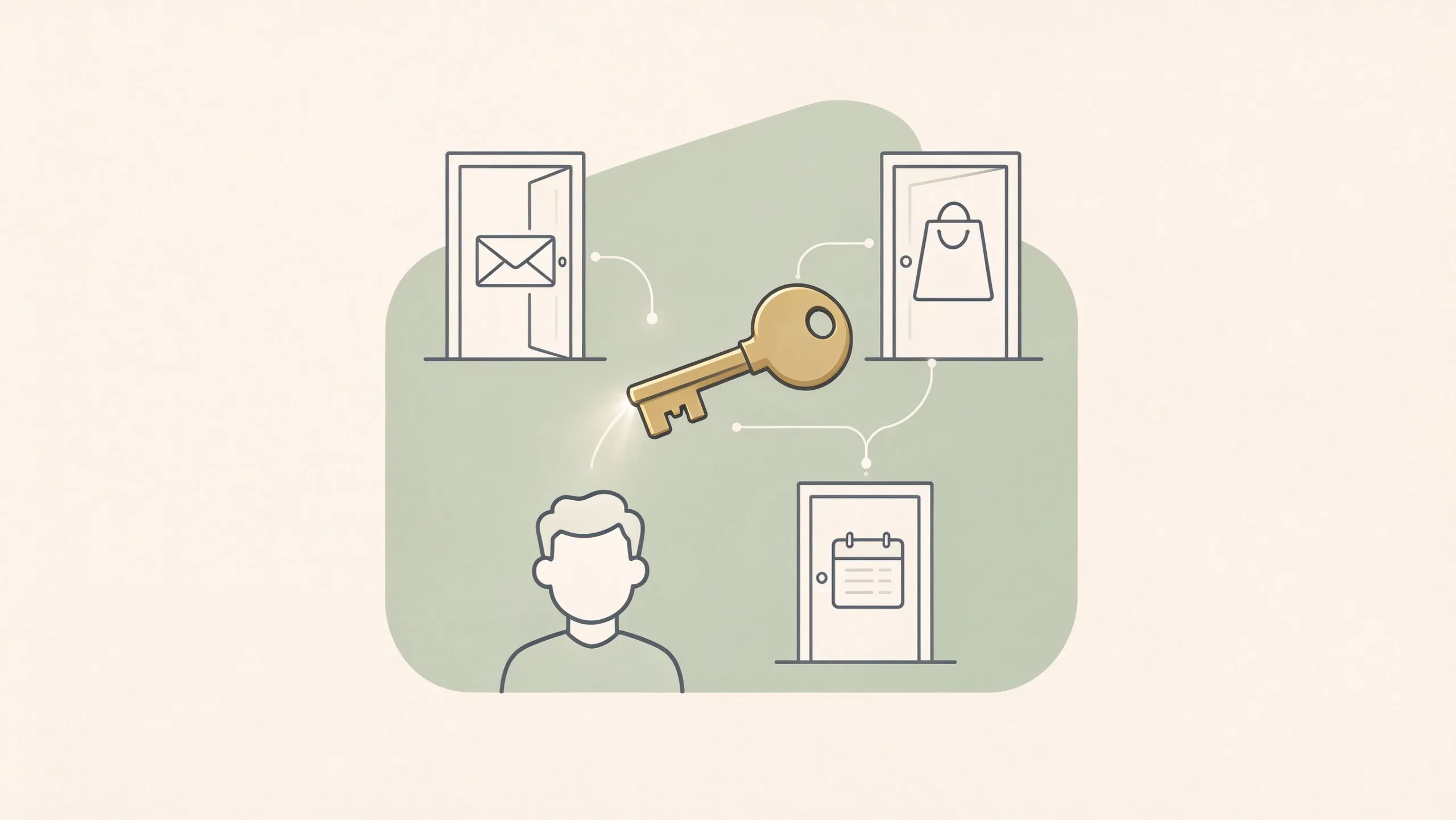
Passkeys replace the password with a cryptographic key tied to the device and often unlocked by face or fingerprint. When both the service and the family’s devices support them, they remove the need to type or remember a password. Limitations appear when older devices, shared computers, or cross-platform accounts are involved. They are excellent for the accounts and devices that fully support them; they are not yet universal.
The experience advantage when support is complete
On accounts and devices that fully implement passkeys, the user authenticates with a biometric or device PIN and never types a password. Phishing resistance is high because there is no password to steal and the cryptographic exchange is bound to the legitimate site. For the accounts where this experience is available, passkeys are both stronger and more convenient than passwords plus codes.
Ecosystem and device limitations
Older phones, shared family computers, and services that have not yet implemented passkeys create gaps. A household that includes an older parent’s device or that regularly uses a shared computer will encounter accounts where passkeys are unavailable or awkward. Treating passkeys as the universal replacement for every login produces frustration; treating them as the preferred method where they work produces progress.
Gradual adoption rather than full migration
Enabling passkeys on the primary email and the main banking account, where supported, delivers the largest practical benefit first. Remaining accounts can adopt passkeys as the services and the family’s devices make them available. A partial, working deployment is more protective than an abandoned attempt at complete replacement.
A practical decision framework for the household
Primary email and banking: strongest available method the adults will maintain (passkey or authenticator app preferred)
Accounts used by older parents: prioritize methods they can complete without help (SMS may still be the realistic choice, paired with a strong account PIN at the carrier)
Teen accounts: passkeys or authenticator apps where supported, with recovery information known to a parent
Shared household accounts: methods that both adults can operate
Upgrade one high-value account at a time rather than attempting a full migration in one evening.
Recovery is part of the decision
Whatever method you choose, record how to regain access if the phone is lost or the app is deleted. Backup codes, recovery keys, and secondary recovery emails belong on the emergency sheet. A strong method without a recovery plan becomes a lockout risk.
Backup codes and recovery keys as the safety net
Every authenticator-app enrollment and every passkey setup that offers backup materials should have those materials generated and stored at the time of setup. The emergency sheet is the designated location. Digital-only storage inside the same phone that holds the authenticator creates a circular dependency when that phone is the one that is lost.
Secondary recovery emails as a complementary path
Where a service allows a secondary recovery email controlled by the other adult, enabling it provides an additional route that does not depend on the primary phone. The secondary address should itself be protected with strong authentication so that it does not become a weak link.
Testing recovery on a calm day
A low-stakes test—using a backup code or confirming that a recovery email still receives messages—verifies that the recorded path works. Discovering a broken recovery path during an actual lockout converts a short process into a lengthy identity verification with the provider.
What this does not mean
There is no single correct choice for every family. The calm approach is to match the method to the people who must use it and to the accounts that carry real consequences.
No universal ranking that fits every household
Passkeys are excellent where the ecosystem supports them. Authenticator apps are strong for users who will maintain them. SMS remains useful for users who cannot reliably use the stronger options. Declaring one method the only acceptable choice ignores the real variation in devices, comfort levels, and support across services.
Progress over purity
Moving the primary email and the main bank account to a stronger method is meaningful progress even if other accounts remain on SMS. Waiting for a perfect, uniform solution often means remaining on weaker methods longer. Incremental upgrades that stick are more protective than ideal configurations that are never completed.
The next safe step
Open the security settings of your primary email. If a passkey or authenticator-app option is available and you have not used it yet, set it up on one device and store the backup information. That single upgrade improves the account that resets most others.
Take the next safe step.