
Most families do not need a full security overhaul every month. They need a short, repeatable review that confirms the critical recovery paths still work and that the most important accounts have not drifted into weak configurations. Forty-five focused minutes is enough.

Preparation
Gather the household emergency sheet, the password manager (if you use one), and both adults if possible. Choose a time when interruptions are unlikely. Set a timer for 45 minutes so the review stays bounded.
Why a hard time boundary improves completion
An open-ended security review tends to expand until fatigue ends it incompletely. A visible 45-minute timer keeps the scope realistic and increases the chance that the session finishes with every high-priority item checked. Unfinished items can be noted for a later short session rather than allowed to stretch the current one.
Both adults present when possible
When both adults participate, knowledge stays shared and disagreements about what “should” be on the emergency sheet surface while there is time to resolve them. Solo reviews by the more technical partner often leave the other adult without updated information when help is later required.
Materials ready before the timer starts
Having the emergency sheet, the password manager, and any printed backup codes already at hand prevents the first ten minutes from being consumed by searching. Preparation is part of making the 45 minutes productive rather than administrative.
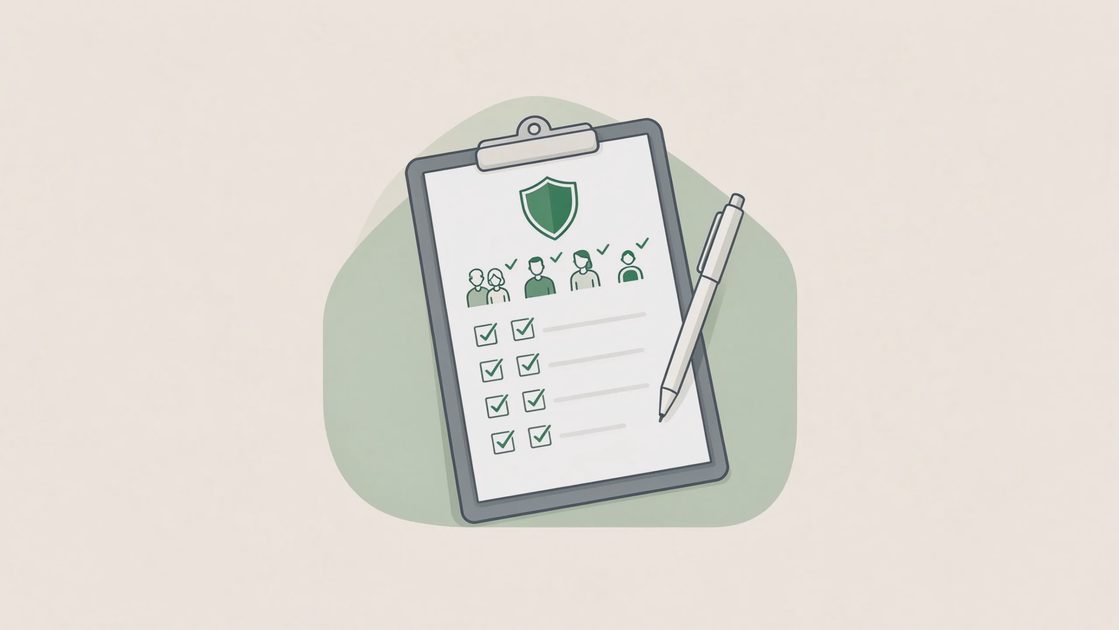
The 45-minute checklist
Minutes 1–10: Emergency sheet and recovery contacts
Confirm the primary email recovery address and phone are still correct
Confirm the carrier account PIN is recorded and still valid
Confirm bank and carrier official support numbers are current
Update any outdated information on the paper sheet
Minutes 11–20: Primary email and banking
Sign in to the primary email and review recent security activity
Confirm two-factor authentication is on and backup codes are accessible
Sign in to the main bank or credit-union account and review alerts and recovery information
Change any password that is known to be reused or weak
Minutes 21–30: Devices and Find My
Confirm Find My (or the Android equivalent) is enabled on the phones the household relies on
Confirm screen locks are active
Remove any unknown devices listed on the Apple ID, Google account, or Microsoft account
Minutes 31–40: Shared and high-value accounts
Review the shared household password folder for outdated logins
Check one or two shopping accounts that store payment methods
Confirm school or medical portals still use the expected recovery email
Minutes 41–45: Close and schedule
Note any items that need a longer follow-up session
Put the updated emergency sheet back in its place
Decide the approximate month for the next short review
Recovery contacts as the first block
The emergency sheet and the recovery paths it records are the foundation for every later incident response. Confirming they are current in the first ten minutes ensures that the rest of the review builds on accurate information and that any immediate corrections are made while attention is fresh.
Primary email and banking as the highest-consequence pair
These two accounts control the largest number of other services and the movement of money. Spending the second block on their security activity, two-factor status, and recovery information addresses the accounts whose compromise would create the widest damage. Changes made here have the highest leverage.
Devices and Find My as the physical layer
Confirming that phones can be located or locked and that unknown devices have been removed closes the gap between account security and device security. A strong account configuration is less useful if the phone that holds sessions and codes is unprotected or already enrolled on an unknown device.
Keeping the review realistic
If 45 minutes feels too long, do the first two sections only. Something completed is more valuable than a perfect checklist abandoned. If children or older parents are part of the household, include only the devices and accounts that affect them; do not attempt to review every login belonging to every person.
Partial completion as success
A household that consistently completes the emergency-sheet and primary-email blocks every few months is already ahead of most. Expanding to the full 45 minutes is beneficial; insisting on completeness in every session often produces skipped sessions. Sustainable partial reviews outperform occasional perfect ones that never recur.
Scope limited to household-impacting accounts
Reviewing every login belonging to every family member quickly exceeds 45 minutes and dilutes attention. Focusing on the accounts and devices that affect shared recovery paths, money, or the ability to reach help keeps the session inside the time boundary and on the highest-value items.
Children and older parents as selective inclusions
Devices used by teenagers or older parents, and accounts that link to household recovery paths, belong in the review. Personal social or gaming accounts that do not affect shared recovery or money can be left for separate conversations. Selective inclusion keeps the Sunday reset manageable.
What success looks like
At the end of the session you should know:
The emergency sheet is current
The primary email and bank still have working recovery paths
The main phones can be located or locked if lost
No obvious unknown devices or weak shared passwords remain unaddressed
That level of readiness handles the majority of ordinary household incidents.
Currency of the emergency sheet as the primary outcome
An updated sheet with correct recovery contacts, carrier PIN, and official support numbers is the single most useful product of the review. When the next incident occurs, that sheet is the reference that prevents hurried searching and phishing-site landings.
Confirmed recovery paths on the highest-value accounts
Knowing that the primary email and the main bank still accept the expected recovery methods, and that two-factor is enabled with accessible backup codes, means the accounts that control the most other services are in a recoverable state. That confirmation is the second major outcome.
Device readiness and absence of obvious gaps
Phones that can be found or locked, and the absence of unknown devices on the main ecosystem accounts, close the most common remaining gaps. The review does not need to achieve theoretical perfection; it needs to remove the obvious, high-probability problems.
What this does not mean
A Sunday reset is not a substitute for good daily habits or for responding promptly when an alert arrives. It is periodic maintenance that keeps the quiet systems functional.
Maintenance rather than transformation
The 45-minute review assumes that unique passwords, two-factor authentication, and basic device locks are already in place or are being strengthened incrementally. Its job is to keep those systems current and to catch drift. It is not a replacement for the initial setup work described in the other guides.
Alerts still require prompt response
Transaction alerts, login notifications, and carrier messages about account changes should still be examined when they arrive. The Sunday review does not absorb the responsibility for real-time attention; it ensures that the underlying recovery infrastructure remains ready when that attention is required.
Repeatability as the design goal
A review that is so ambitious it is performed only once is less useful than a shorter review performed several times a year. The 45-minute boundary and the permission to complete only the first blocks exist to make repetition realistic. Consistency over months produces more protection than intensity in a single session.
The next safe step
Put a 45-minute block on the calendar for the coming weekend. Label it “household review” and treat it like any other short household task. Starting is the hardest part; the checklist above will carry you through.
Take the next safe step.