If you are wondering how to manage multiple online accounts?, start with one practical goal: make the next login, recovery request, or suspicious alert easier to handle. Most households are balancing email, banking, healthcare portals, utilities, school services, shopping, streaming, social media, and accounts for relatives. The problem is not that one person failed to memorize everything. The problem is that important information is scattered, recovery details are outdated, and family members may not know who can help.
A manageable system does not require perfect technology. It needs a clear map, unique passwords for important accounts, current recovery options, and a plan for stressful moments. Take the next safe step by choosing one account category to organize today rather than trying to fix an entire digital life in one sitting.
Start with an account map, not a password hunt
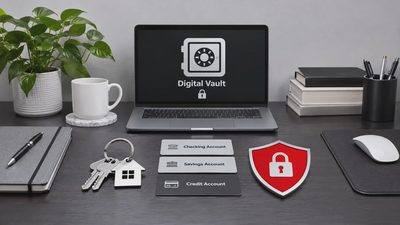
Create a simple list of accounts and group them by consequence. Put email, banking, credit cards, tax services, health portals, phone carriers, and cloud storage in the first group. These accounts can affect money, identity, communication, or access to other services. A second group can include shopping, subscriptions, entertainment, social media, and loyalty programs.
Record the service name, username or email used, recovery phone number, recovery email, whether multifactor authentication is enabled, and the date you last checked the information. Do not write full passwords in a shared spreadsheet or send them through a family group chat. Instead, use a reputable password manager or a secure household process. A paper list can hold service names and emergency contact instructions, but it should not become an unlocked catalog of every credential.
When asking how to manage multiple online accounts?, many people begin by counting passwords. A better starting point is identifying which accounts could unlock other accounts. Your primary email often deserves the highest priority because password resets for banking, shopping, and social platforms may be sent there.
Build a password routine that works on a Tuesday
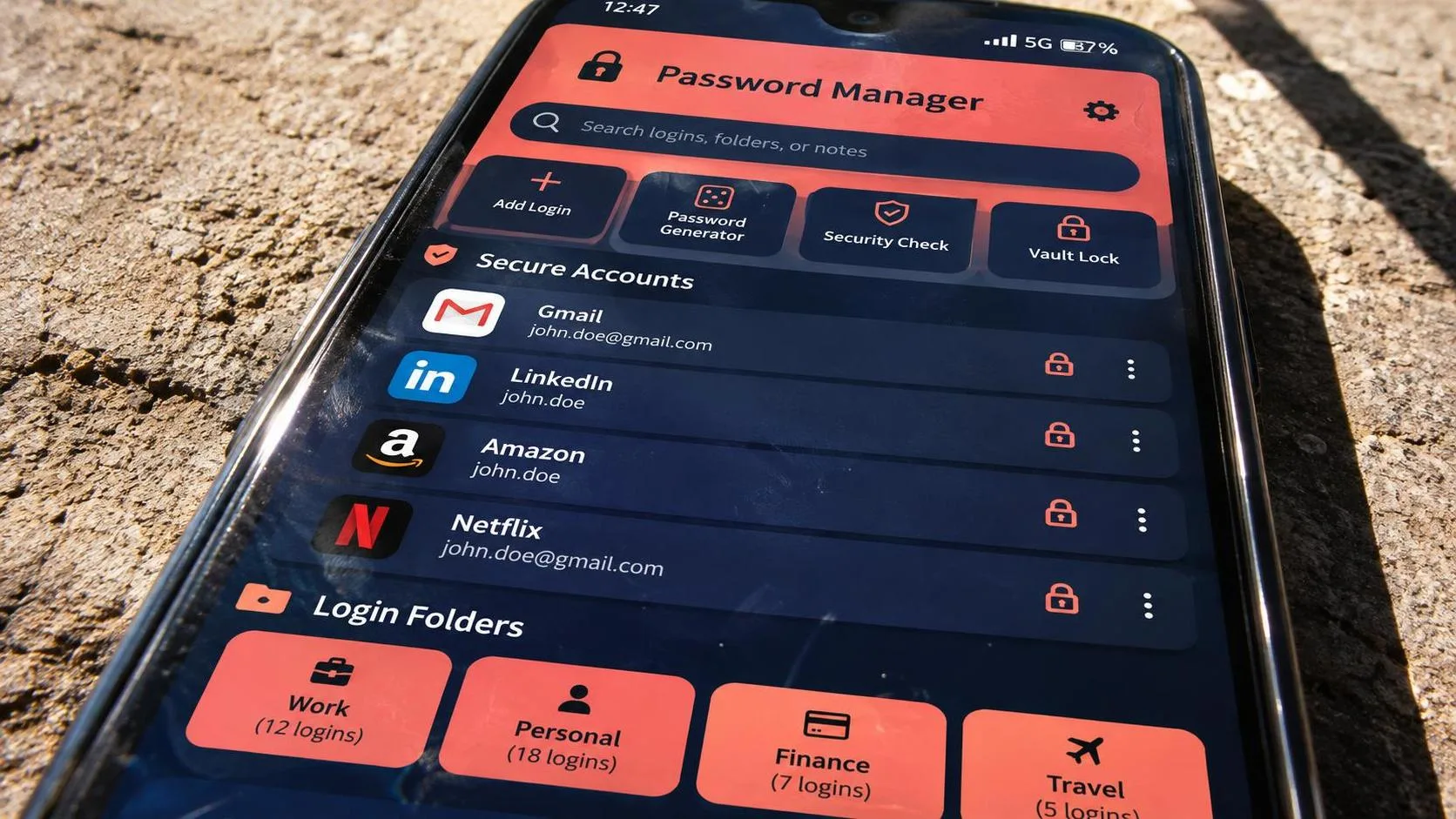
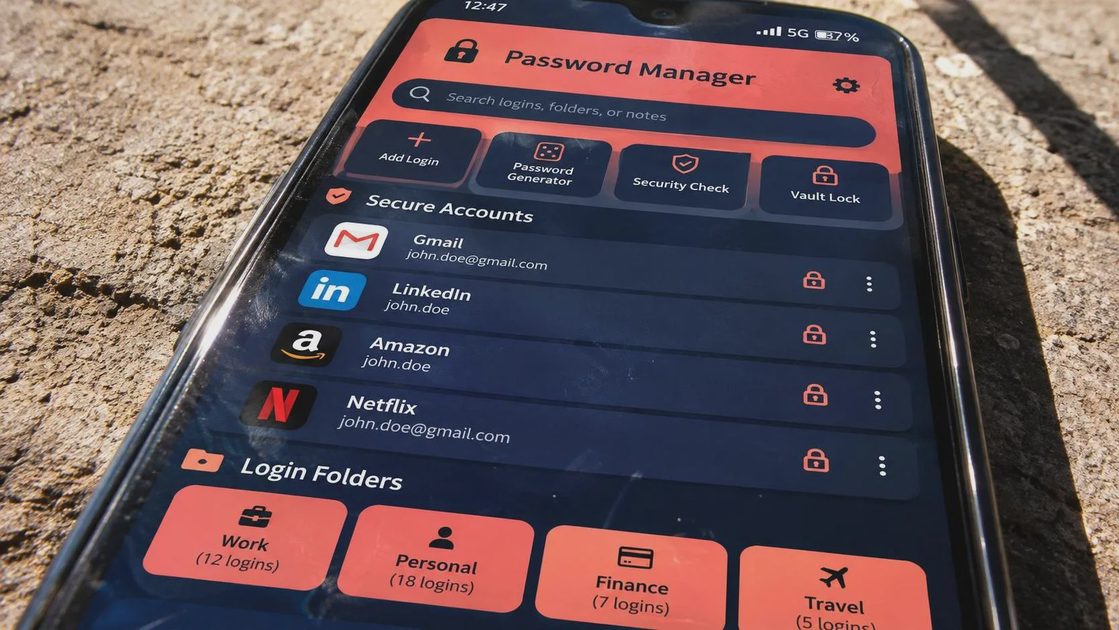
For important accounts, use a different password for each service. A password manager can create and store long, unique passwords, so you do not have to rely on memory. Look for features such as encrypted storage, device synchronization, emergency access options, and clear account-recovery instructions. Services such as 1Password, Bitwarden, and Proton Pass are examples of products families often compare; the best choice is the one everyone can use consistently.
Turn on multifactor authentication for email, banking, health portals, cloud storage, and your phone carrier. An authenticator app or security key is generally stronger than text messages, but text-message codes are still better than no second factor when that is the available option. Save backup codes in a secure place that is separate from the device used to sign in.
Do not reuse a family password for streaming, Wi-Fi, banking, or a shared tablet. Shared access should use the service's household, delegated-user, or family-sharing feature when available. That keeps personal passwords private and makes it easier to remove access when circumstances change.
Decide what “shared access” really means
Families often ask how to manage multiple online accounts? when the real issue is unclear responsibility. Helping a parent pay a bill does not automatically mean you should know every password. Helping a spouse organize accounts does not mean both people need identical access to every service.
Write down who may help with which category. For example, one adult may handle utility accounts, another may monitor insurance notices, and a trusted relative may help with healthcare scheduling. Use official authorized-user, caregiver, delegate, or account-sharing tools instead of signing in secretly or pretending to be the account holder. Banks and medical providers may have specific procedures for permission and identity verification.
A useful script is: “I am not trying to take over your account. I want us to have a safe way to help if your phone is lost or you receive a confusing alert. Which access option does this service provide?” This keeps the conversation about continuity rather than suspicion.
For children, keep school-managed accounts, gaming profiles, and family subscriptions separate from adult financial accounts. Review privacy, purchasing, and recovery settings together. A child should know how to report a strange message without fearing an automatic punishment.

Create a recovery plan before something goes wrong
Knowing how to manage multiple online accounts? includes knowing what happens when a phone disappears, a password is forgotten, or a scammer calls. Choose a recovery contact for the household, but do not make one email address the only doorway to everything. Keep recovery phone numbers current, review trusted devices, and remove old devices after a phone upgrade or relationship change.
Prepare a small incident card for each high-value account. It can list the official website, the support phone number found on a statement or company website, the recovery email, and what evidence to save. Never use a phone number supplied by a suspicious caller or an unexpected text. If a bank alert looks wrong, open the bank's known app or type the familiar web address yourself.
If an account may be compromised, stop using the suspicious link, take screenshots, and note the time, sender, and actions already taken. From a trusted device, change the password, sign out other sessions if the service allows it, enable multifactor authentication, and contact the organization through an official channel. For financial loss or identity theft, contact the relevant bank promptly and consider reporting through IdentityTheft.gov or the Federal Trade Commission's established reporting process.
Use a monthly ten-minute review
A short recurring review is more realistic than a once-a-year digital cleanup. On the first Saturday of each month, open the account map and select three services. Check recent sign-ins, recovery information, payment methods, connected apps, and active sessions. Remove subscriptions no one uses and delete old accounts when closure is available.
Ask four simple questions: Is the contact information current? Is the password unique? Is multifactor authentication enabled? Does anyone else have access, and is that access still appropriate? This routine catches ordinary changes, such as a canceled phone number, an expired card, or a former tablet still listed as trusted.
For older relatives, do the review beside them rather than taking the phone away. For a spouse, agree on where household instructions live. For a teenager, explain why a gaming account can be valuable without exaggerating the danger. Calm repetition builds better habits than a frightening lecture.
A practical answer for busy households
If you need a short answer to how to manage multiple online accounts?, use this sequence. First, list the accounts that control money, email, health information, and phone access. Second, secure each with a unique password and multifactor authentication. Third, update recovery details and save backup codes safely. Fourth, establish authorized sharing instead of informal password passing. Fifth, review the list monthly and preserve evidence when something looks suspicious.
You do not need to buy every security product or rebuild the household in one weekend. A password manager can help, but it cannot decide who should have access or recognize every scam. A family conversation can solve those parts. Start with the account most likely to help recover the others, then move through the list at a steady pace.
When the process feels confusing, pause before clicking. Use a known device, an official app, or a statement to find support. Ask a trusted person to sit with you. The goal is not perfect control; it is a dependable path back when ordinary life creates a forgotten password, a lost phone, or a worrying message. Take the next safe step.