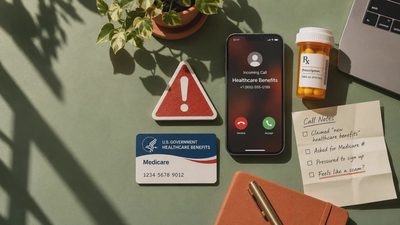
If you’re asking “how do i stop getting spam calls?”, start by letting unfamiliar numbers go to voicemail and turning on your phone’s or carrier’s call filtering. You probably can’t eliminate every unwanted call, but those two steps can reduce interruptions without paying for another app. If you answer and the caller asks for money, a verification code, or personal information, hang up and contact the organization using a number you found independently.
Set up your phone without missing important calls
On an iPhone, look in Settings for the Phone or Calls settings and find the option to silence or screen unknown callers. Apple changes menu names and available features across software versions, so use the Settings search if you don’t see it. Depending on the option and software version, unknown calls may be silenced or screened rather than ringing normally.
On an Android phone, open the Phone app and look under Settings for caller ID, spam protection, or call screening. Options vary by manufacturer, phone app, carrier, and region. Google’s Phone app, for example, offers caller ID and spam protection on supported devices; some Pixel phones also offer call screening.
Before silencing unknown numbers, think about the calls your household needs to receive. A doctor, school, delivery driver, or repair technician may call from a number you haven’t saved. Check voicemail regularly, and consider temporarily turning off silencing when you’re expecting an important callback. Adding known contacts helps, but it won’t catch every legitimate call from an organization with multiple outgoing numbers.
Your carrier may offer a separate spam filter or call-labeling service. Look in its official app or contact it using the number on your bill. Ask which protections are free, whether a paid tier is optional, and how to review calls that were blocked by mistake.
how do i stop getting spam calls? Use filters and blocking together
Spam labels are useful warnings, not proof. A legitimate call can be marked as spam, and a fraudulent call can appear ordinary. Caller ID can also be spoofed: a caller can make a familiar name or number appear on your screen. Even a call that looks like it comes from your bank deserves an independent callback if it requests sensitive information.
Block repeat callers in your phone’s recent-calls list. This can help with a persistent number, but it won’t stop a caller that keeps changing the number it displays. Blocking is one layer, not a complete solution.
If an automated call asks you to press a number to be removed from its list, hang up rather than interacting. Don’t call back just because a missed call looks local. Let a genuine caller leave a message, then verify the request through a trusted channel.
A third-party blocking app is optional. Before installing one, read what call data it collects, what permissions it requests, and whether it shares information. Start with the protections already on your phone and from your carrier; more apps do not automatically mean more safety.
Register your number and report unwanted calls
The National Do Not Call Registry can reduce legitimate telemarketing calls. Register your personal number at DoNotCall.gov. Registration is free, and numbers generally remain on the registry unless they are disconnected and reassigned or you remove them.
The registry is not a technical filter and won’t stop scammers who ignore the law. It also does not prohibit every unwanted call: certain political, charitable, and survey calls may still be allowed, and some business calls are permitted under applicable rules. Give registration time to take effect for covered telemarketing calls; the registry says telemarketers covered by the rules have up to 31 days to stop calling.
Report unwanted calls at DoNotCall.gov. Save the date and time, the number displayed, the company name given, and what the caller said. A screenshot of the call log can help you preserve details, but remember that the displayed number may belong to an innocent person whose number was spoofed. Reports help authorities identify patterns; they do not guarantee an individual response or immediately stop calls.
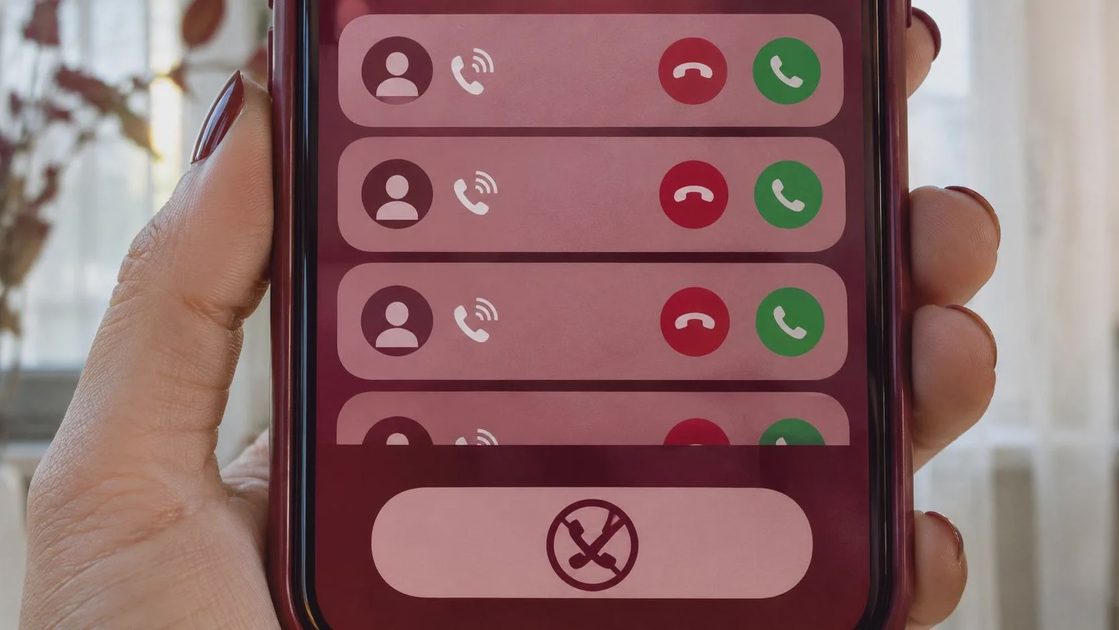
If you answered or shared information
Answering a spam call does not by itself mean your phone has been hacked. If you only said hello and hung up, the next step is usually to block or report the call and carry on. There is no need to reset your phone simply because you picked up.
If you shared a password or one-time verification code, go directly to the affected account through its official app or website. Change the password, review account recovery information and recent activity, and sign out of other sessions if the service offers that option. Contact the company’s support team if you cannot regain access.
If you sent money or shared card or bank details, call the financial institution immediately using the number on your card, statement, or official app. Explain what you shared and ask about securing the account and disputing or stopping the transaction. For a payment app, gift card, or wire transfer, contact the payment provider promptly as well. Recovery is not guaranteed, but speed matters.
If someone persuaded you to install remote-access software, disconnect the device from the internet and contact a trusted technician or the device maker’s support team for help removing it and checking accounts. Use a different trusted device for sensitive account recovery when possible.
Make a family plan that is easy to follow
Agree on one sentence everyone can use: “I don’t give information to incoming callers. I’ll call the organization back myself.” For a relative who worries about sounding rude, practice it together. Hanging up is a reasonable boundary, even if the caller claims the situation is urgent.
Keep a short paper card near the phone with trusted numbers for the bank, carrier, and a family contact. Verify those numbers before writing them down. If a suspicious call happens, ask, “What did they request, and did you share or send anything?” That question gets you to the next action without blame.
Take the next safe step: open your phone’s call settings, turn on an appropriate spam filter, and make sure you know where to find voicemail.