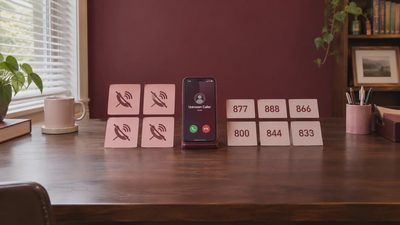
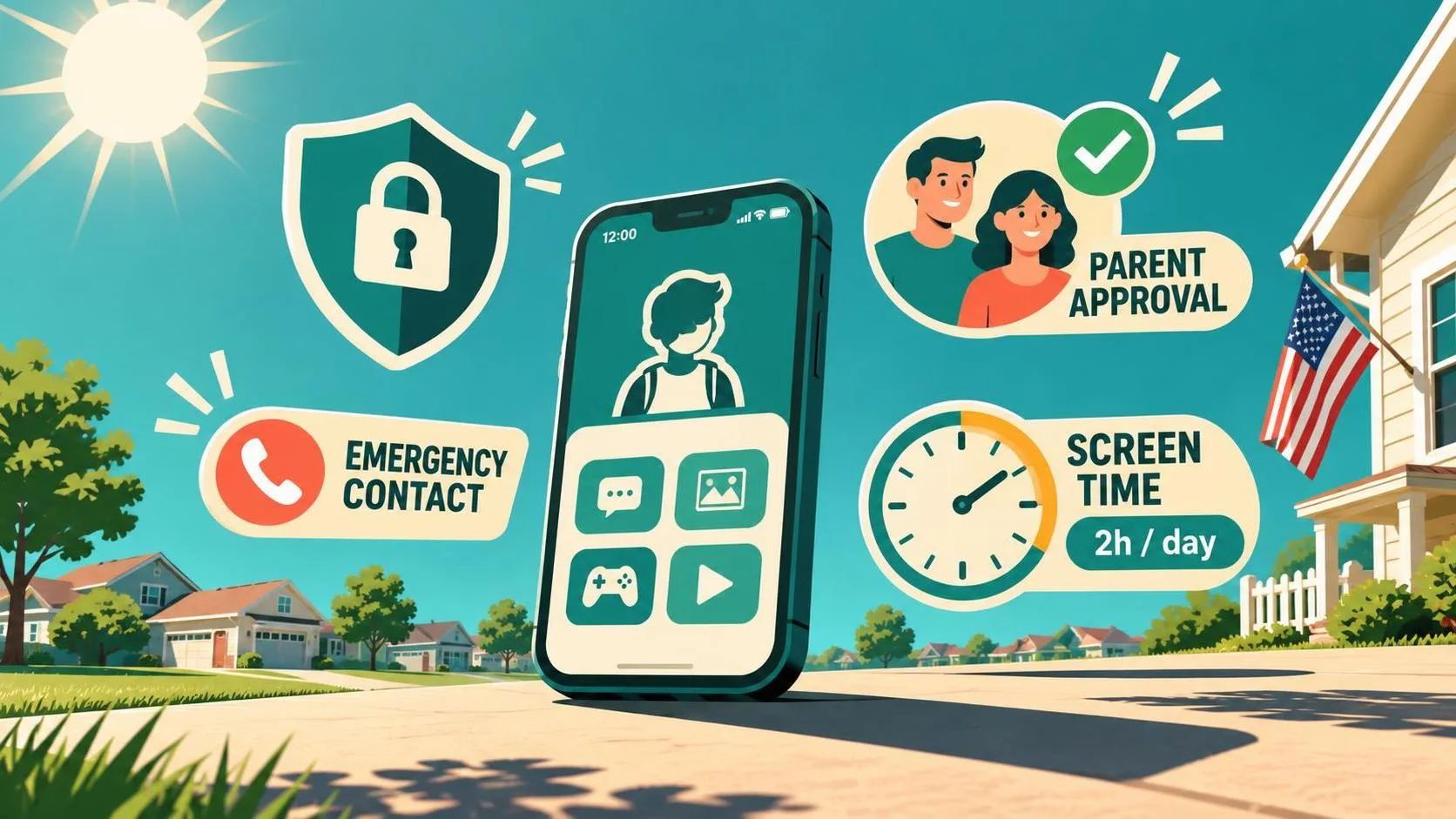
Start with what your child actually needs the phone to do. For many families, safe phones for tweens are basic calling and texting devices or smartphones set up with family controls—not necessarily the most expensive handset. Before buying, write down the must-haves, such as calling home after practice, and decide together which apps can wait.
A Nokia-branded basic phone is worth considering for a child who mainly needs calls and texts; check that the specific model works on your carrier. An iPhone with Apple Family Sharing and Screen Time suits a family comfortable managing Apple accounts. A Samsung Galaxy phone with Google Family Link is an option for families who prefer Android and want app and screen-time supervision. None is automatically safe out of the box.
Choose the right level of access
The best safe phones for tweens fit the job and the child. A basic phone can reduce exposure to social apps, but basic does not always mean internet-free: some models have browsers, games, or app stores. Ask the seller exactly what can be disabled, and confirm that the device supports the calls and texts your child needs.
A smartphone offers maps, group chats, accessibility features, and more flexible controls. It also brings more places for strangers, advertisers, and distracting content to reach a child. Consider starting with a short list of approved apps rather than installing everything and trying to undo it later.
Before committing, check the full cost: the phone, service plan, activation fees, and any optional parental-control subscription. Also ask whether emergency calling and location features work as you expect on that particular device and plan. A phone with a dead battery or no coverage is not a dependable way to reach home.
Set up safe phones for tweens together
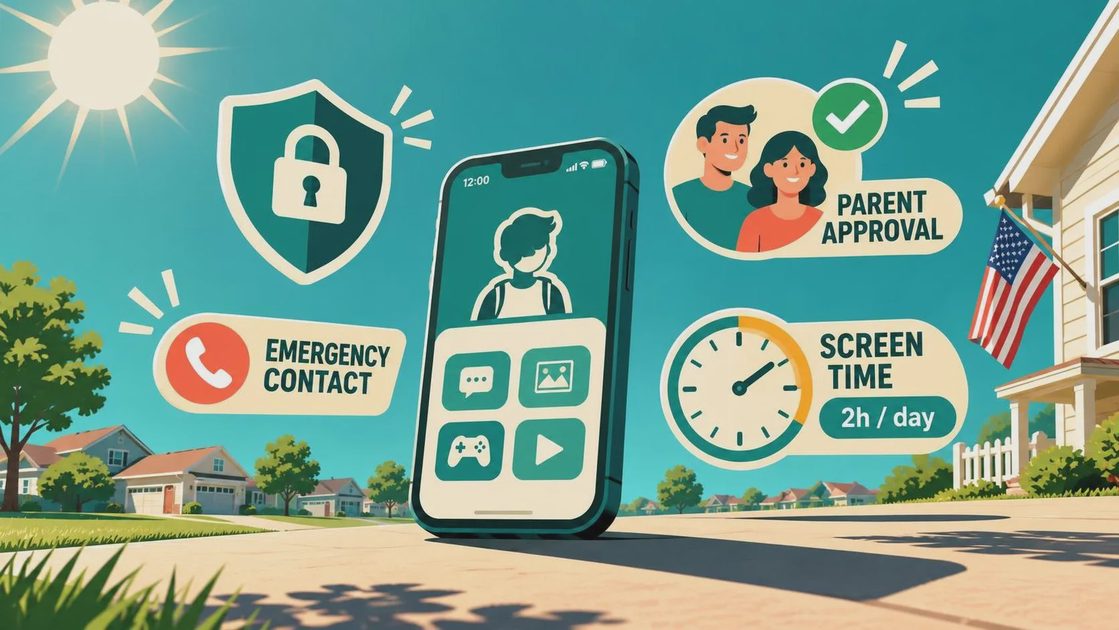
Use your child's real birth date when creating an account, and follow the platform's process for a child account. Add it to your family group so you can manage available restrictions and recovery options. Account rules and settings can change, so use the device maker's current setup instructions rather than relying on an old video.
Set a device passcode your child can remember but classmates cannot easily guess. Keep the parent account password and any parental-control passcode separate from the child's device passcode. Turn on multifactor authentication for the parent account and store recovery information somewhere a responsible adult can find it.
Next, require approval for app downloads and purchases where the platform allows it. Review the browser, app store, messaging, and in-app purchase settings separately; limiting screen time alone does not control who can contact your child. On a shared or previously owned phone, remove the prior owner's account and reset it using the manufacturer's instructions before setting it up for your child.
Finally, turn on automatic operating-system and app updates. Check the manufacturer's support policy before buying an older used device: a low price is less appealing if security updates have already ended. Set a reminder to revisit restrictions after a few weeks, once you know which ones help and which ones interfere with ordinary school or family communication.
Make a contact and privacy plan
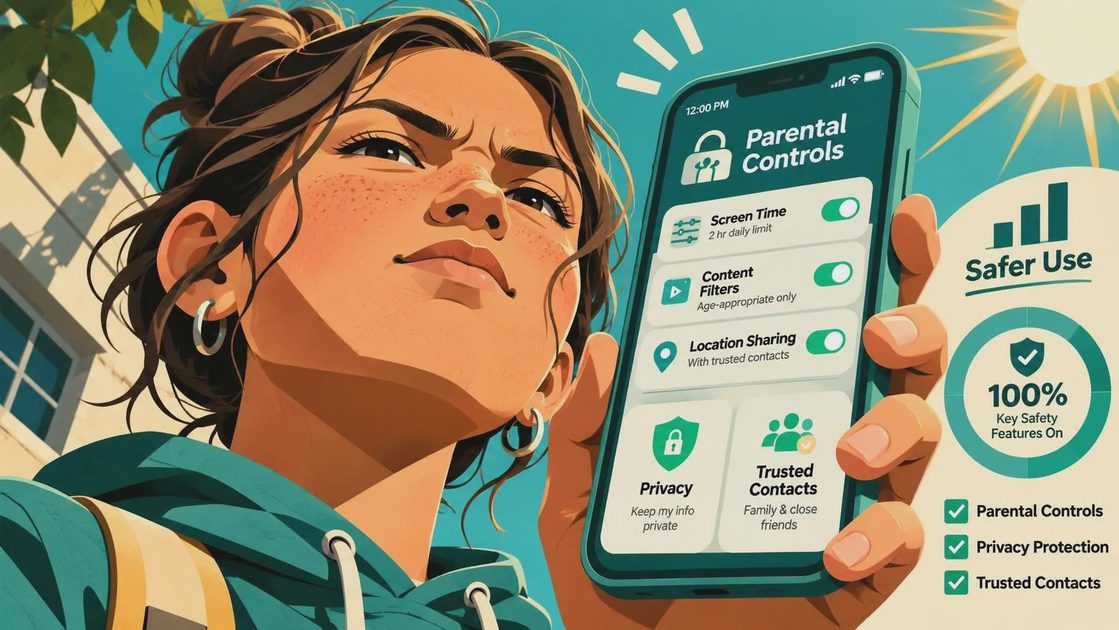
Talk through who can call or message your child, and check whether the phone or individual apps offer contact restrictions. These controls vary, and a group chat or an approved app may still expose a child to people outside the family. Test the setup with another adult rather than assuming every contact route is blocked.
Location sharing can be useful for pickup changes, but it deserves a conversation. Decide who can see your child's location, when you will check it, and whether sharing is necessary all the time. Review app location permissions and choose the least access that still lets an app do its job. A location dot can be delayed or inaccurate; it is not a substitute for a backup pickup plan.
Explain what should stay private: home address, school schedule, passwords, verification codes, and photos that reveal identifying details. A simple script helps: “You can always tell me if someone asks for a secret or sends something uncomfortable. You won't be in trouble for asking for help.”
Practice what to do when something goes wrong
Even safe phones for tweens can receive a suspicious text or an unwanted message. Agree on the first move before it happens: stop replying, do not tap links or send money, and show a trusted adult. If the message claims a family member is in danger, call that person using a number already saved in your contacts rather than the number in the message.
If the content is safe to retain, save a screenshot showing the sender, message, and time before blocking or reporting the account. Do not forward or save sexual images of a minor; if one appears, stop sharing it and seek guidance from the platform or appropriate authorities. If someone is in immediate danger, call 911.
For a lost phone, contact it first if appropriate, then use the manufacturer's device-finding tools to locate or lock it. If it may have been stolen, avoid confronting anyone yourself. Contact the carrier about suspending service, and review the accounts on the device. Remote erasure may affect your ability to locate it, so check the manufacturer's instructions before taking that step.
Revisit the rules as your child grows
Safe phones for tweens work best alongside a relationship that leaves room for questions. Agree on charging arrangements, school-day expectations, and a way to reach each other if the battery dies. Explain what you will review and why, rather than promising privacy and then secretly inspecting every conversation.
Keep a small paper card with the carrier's support number, the phone number, and the steps for locating or locking the device. Do not write account passwords or recovery codes on a card the child carries with the phone.
Your next safe step can take ten minutes: sit down together, list three things the phone must do, and choose one feature to check before buying. This guide is educational, not individualized cybersecurity advice; your family's needs and your child's readiness should lead the decision.